Collector guide
Pokemon Card Scanner Guide
A Pokemon card scanner can speed up collection sorting, but the scan is only the first step. You still need to confirm the card version, set number, condition, and market context before trusting a value estimate.
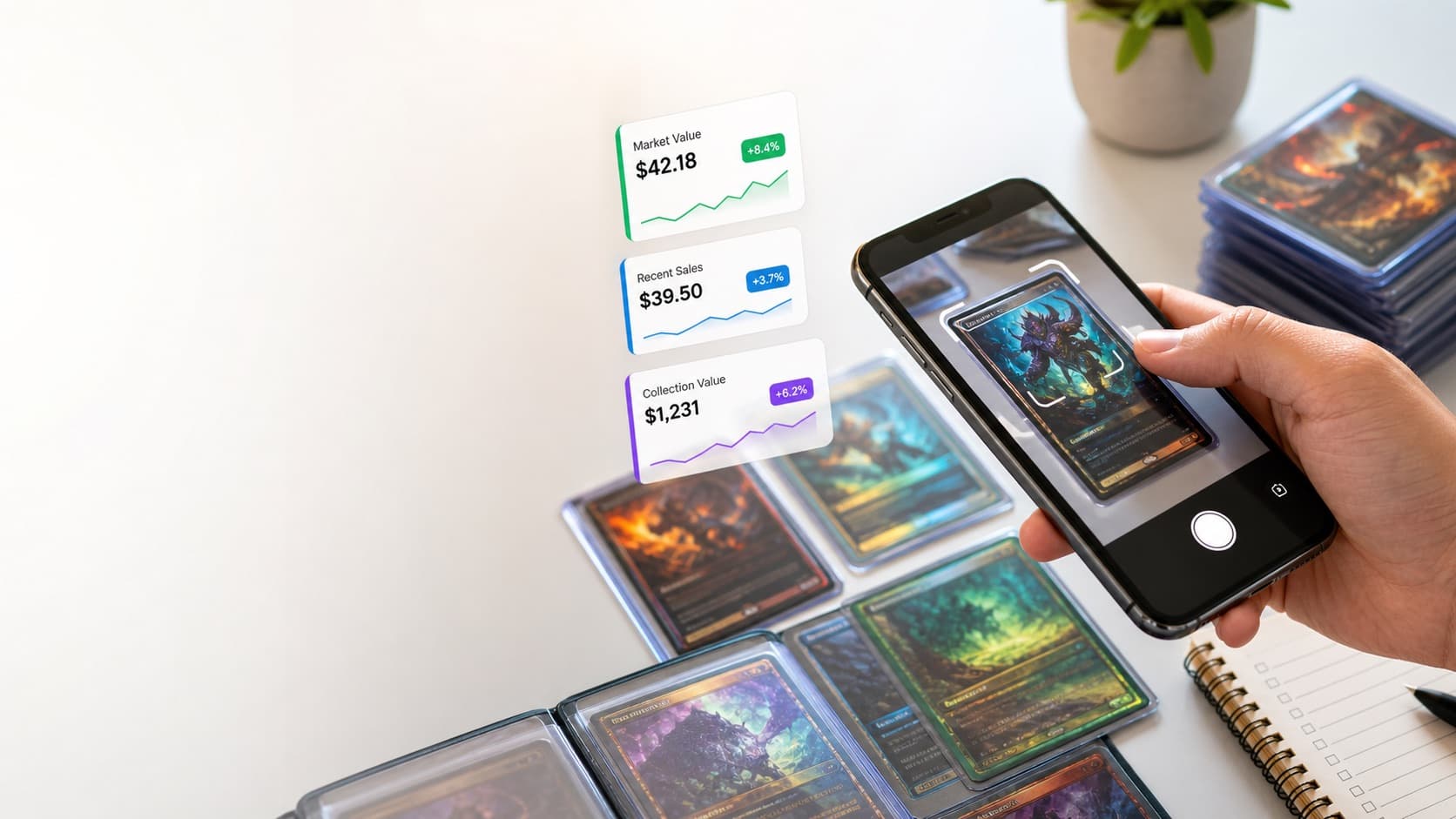
Card value scanner
Upload a card photo for a value preview
Use the homepage scanner flow to upload a clear Pokemon card image and review the card value workflow.
Best For
Collectors scanning binders, bulk boxes, or new pulls after opening packs.
When To Use It
Use it when you want a faster way to identify cards and create a clean collection list.
Scan quality
Better photos make card identification easier
A scanner is only as useful as the image it receives. Small details near the bottom of a card often decide which version you actually own.
- Keep the entire card inside the photo with all corners visible.
- Avoid reflective sleeves when they cover set numbers or rarity marks.
- Take another photo if the card name, set symbol, or collector number is blurry.
Workflow
pokemon card scanner checklist
- Use bright, even lighting so the card name, set symbol, and number are readable.
- Scan the card outside of sleeves when glare hides the details.
- Check the edition, language, condition, and whether the card is foil before comparing prices.
- Compare recent market data instead of relying on one listing or asking price.
What This Covers
Collector-friendly details
Scanning setup tips
Identification checkpoints
Collection workflow
Price-check handoff
Questions
Quick answers
Can a scanner identify every Pokemon card perfectly?
No scanner is perfect. Similar artwork, variants, foils, and reprints still need a human check.
What part of the card matters most for scanning?
The name, artwork, set number, rarity mark, and collector number are the most useful visual details.
Should I scan cards in sleeves?
Sleeves are fine if glare is low, but removing the card from a sleeve can improve accuracy when details are hard to read.
How do I get the best pokemon card scanner result?
Use a sharp photo with the card flat, well lit, and fully visible. Avoid glare, heavy shadows, blurry images, and cropped corners.
Should I remove the card from its sleeve before scanning?
If the sleeve creates glare or hides small text, remove it carefully. If the card is valuable, handle it gently and avoid touching the surface.
What information does a scanner need to identify a card?
The most useful details are the name, artwork, set symbol, collector number, rarity mark, language, and whether the card is foil or a special variant.
Can a scanner judge card condition automatically?
A scanner can help spot obvious issues, but condition still needs human review. Surface scratches, dents, whitening, and centering are easy to miss in one photo.
Why might a card scan return the wrong version?
Many cards share artwork, names, or layouts across reprints. Set number, rarity, foil treatment, language, and promo details should always be checked manually.
Is one photo enough to value a card?
One front photo can help identify a card, but value is stronger when you also review condition, back edges, corners, and close-ups of any damage.
Can I scan a full binder page at once?
A binder-page scan can help with rough sorting, but single-card images are usually better for accurate identification and value review.
Related Pages